Every business relies on technology to some degree. Whether it’s customer data, financial systems, communication platforms, cloud applications, or production environments, downtime can quickly disrupt operations and impact revenue.
While many organizations invest in backups and cybersecurity, these measures alone may not be enough to maintain business continuity during a major outage.
This is where a disaster recovery site becomes essential.
A disaster recovery (DR) site provides an alternate location where critical systems and data can be restored and operated when a primary environment becomes unavailable. For businesses that depend on continuous access to applications and information, a DR site can be the difference between a temporary disruption and a prolonged operational crisis.
What Is a Disaster Recovery Site?
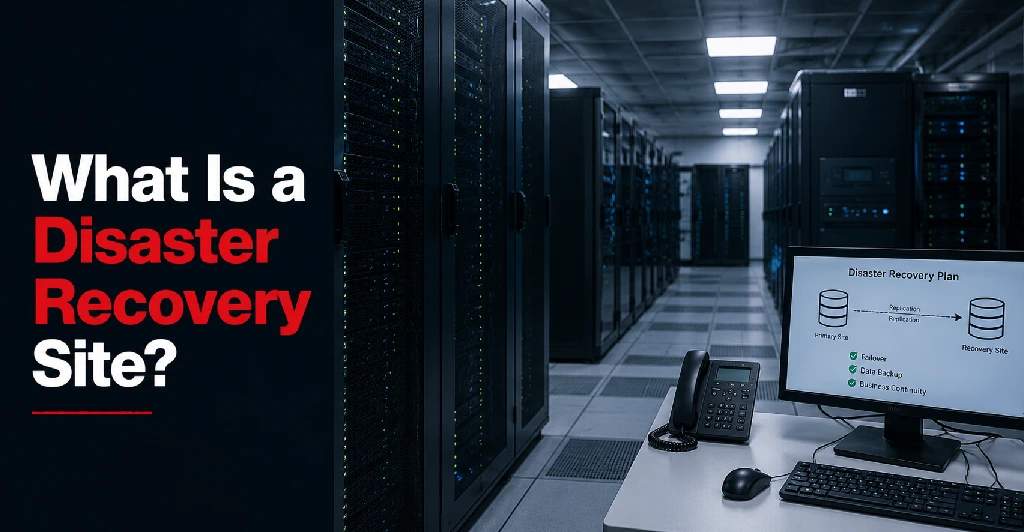
A disaster recovery site is a secondary facility designed to support business operations if a primary location experiences an outage or disaster.
The site serves as a backup environment where critical systems can be restored or operated during events such as:
- Power outages
- Natural disasters
- Hardware failures
- Cyberattacks
- Network disruptions
- Human error
- Facility damage
A disaster recovery site may contain:
- Servers
- Storage systems
- Network infrastructure
- Backup data
- Replicated applications
- Connectivity services
Depending on the recovery strategy, the site may be fully operational or designed for activation only when needed.
The goal is to restore critical services as quickly as possible and minimize business disruption. Organizations implementing a DR strategy often combine disaster recovery infrastructure with broader data center solutions to improve overall resilience.
Why Businesses Need a Disaster Recovery Site
Many organizations assume that backups alone are enough to protect operations.
However, backups only protect data. They do not necessarily provide a way to restore systems quickly when infrastructure becomes unavailable. Understanding the difference between disaster recovery and backup is critical when building a comprehensive continuity strategy.
Downtime Is Expensive
When systems are offline, organizations may experience:
- Lost revenue
- Reduced productivity
- Customer service interruptions
- Compliance risks
- Reputational damage
For some businesses, even a few hours of downtime can have significant consequences.
Cybersecurity Threats Continue to Grow
Ransomware attacks and other cyber incidents can render production environments inaccessible.
A disaster recovery site provides an alternate location for restoring operations.
Natural Disasters Can Impact Entire Facilities
Floods, storms, fires, and other events can make a primary location unusable.
Organizations need a secondary environment capable of supporting recovery efforts.
Business Continuity Depends on Availability
Customers, employees, and partners increasingly expect systems to be available around the clock.
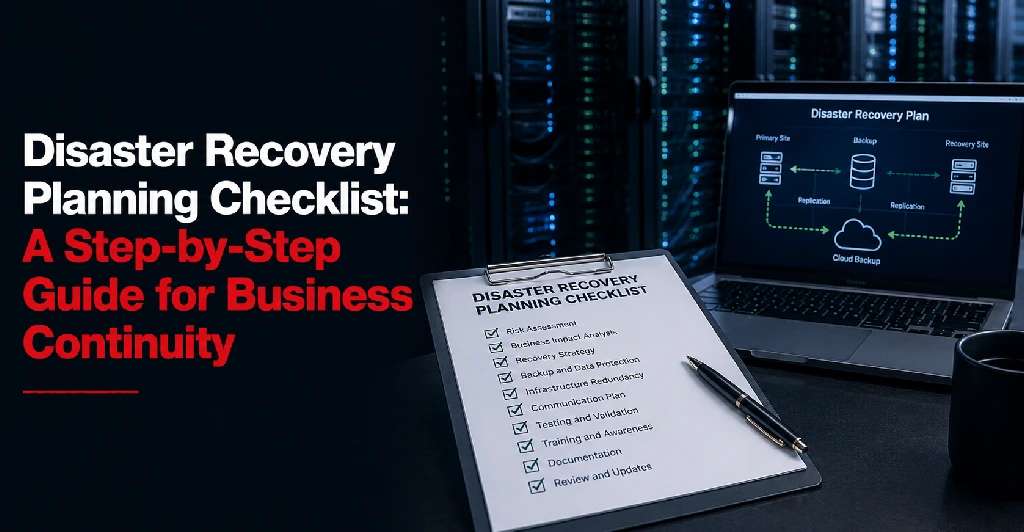
Disaster recovery planning helps organizations meet those expectations. Many businesses begin by following a structured disaster recovery planning checklist to identify risks and recovery requirements.
Types of Disaster Recovery Sites
Not all disaster recovery sites provide the same level of readiness.
Most strategies fall into one of three categories.
1. Hot Site
A hot site is a fully operational disaster recovery environment that closely mirrors the primary infrastructure.
Typically, a hot site includes:
- Running servers
- Replicated data
- Active network connectivity
- Up-to-date applications
Advantages
- Fastest recovery times
- Minimal downtime
- High availability
Considerations
- Higher operational costs
- Greater infrastructure requirements
Hot sites are often used by organizations where downtime must be minimized.
Examples include:
- Financial institutions
- Healthcare organizations
- Technology companies
Organizations selecting hot sites typically establish clearly defined Recovery Time Objectives (RTOs) to determine how quickly systems must be restored after an outage.
2. Warm Site
A warm site provides partially configured infrastructure that can be activated when needed.
The site may include:
- Installed hardware
- Connectivity infrastructure
- Periodic data replication
However, some systems may require additional configuration before becoming fully operational.
Advantages
- Lower cost than a hot site
- Faster recovery than a cold site
Considerations
- Longer recovery times compared to a hot site
Warm sites are common among organizations seeking a balance between cost and recovery speed.
3. Cold Site
A cold site is the most basic form of disaster recovery facility.
The site typically provides:
- Physical space
- Power
- Cooling
- Network connectivity
However, production systems are not actively running.
Advantages
- Lowest cost option
- Reduced ongoing infrastructure requirements
Considerations
- Longest recovery times
- Greater effort required during activation
Cold sites are often appropriate for organizations with less aggressive recovery objectives.
Benefits of a Disaster Recovery Site
A properly designed disaster recovery site provides several important advantages.
Reduced Downtime
The primary purpose of a DR site is to restore operations faster after an outage.
Faster recovery helps minimize:
- Revenue loss
- Operational disruption
- Customer impact
Improved Business Continuity
A DR site supports continuity planning by ensuring critical services remain available during emergencies.
Stronger Risk Management
Organizations reduce dependence on a single facility and improve overall resilience.
Enhanced Data Protection
Disaster recovery environments often include:
- Data replication
- Backup integration
- Recovery automation
This helps reduce the risk of data loss.
Compliance Support
Many industries require documented recovery strategies as part of regulatory and operational requirements.
A DR site can help support:
- Healthcare compliance initiatives
- Financial regulations
- Internal governance standards
Increased Customer Confidence
Organizations that can recover quickly from disruptions are often viewed as more reliable and trustworthy.
Common Use Cases for Disaster Recovery Sites
Businesses use disaster recovery sites in a variety of ways.
Data Center Outages
If a primary data center experiences an outage, systems can be restored at the recovery site.
Ransomware Recovery
Organizations can recover applications and data from replicated environments.
Natural Disaster Preparedness
Secondary facilities provide operational continuity when primary locations are affected by severe weather or environmental events.
Business-Critical Application Protection
Applications such as:
- ERP systems
- Customer portals
- Financial platforms
- Healthcare systems
Can be protected through disaster recovery infrastructure.
Multi-Location Organizations
Businesses operating across multiple locations often use centralized DR sites to support continuity planning.
How to Select a Disaster Recovery Site
Choosing the right DR site requires careful planning.
Several factors should be evaluated.
Geographic Separation
The recovery site should be far enough away from the primary facility to avoid being impacted by the same event.
However, it should remain close enough to support operational requirements and data replication objectives.
Connectivity Options
Reliable network connectivity is critical.
Look for facilities offering:
- Carrier-neutral connectivity
- Redundant network paths
- High-bandwidth options
Many organizations leverage colocation services to deploy disaster recovery infrastructure within professionally managed facilities.
Infrastructure Reliability
Evaluate the site’s:
- Power redundancy
- Cooling systems
- Physical security
- Uptime history
The recovery site should be as reliable as the primary environment.
Security Standards
Ensure the facility provides:
- Controlled access
- Video surveillance
- Monitoring systems
- Compliance support
Scalability
Your disaster recovery requirements may grow over time.
Choose a facility that can accommodate future infrastructure expansion. Organizations using cloud computing solutions should also evaluate how cloud resources integrate with the recovery environment.
Testing Capabilities
The best DR sites support regular testing and validation of recovery procedures.
Testing helps ensure plans will work when they are needed most. In fact, businesses should regularly review how often disaster recovery plans should be tested to maintain readiness.
Questions to Ask a Disaster Recovery Provider
Before selecting a disaster recovery site, consider asking:
- What recovery options are available?
- Does the facility support hot, warm, and cold site deployments?
- How quickly can systems be restored?
- What connectivity providers are available?
- How is data replicated?
- What security measures are in place?
- Can recovery plans be tested regularly?
- How does the facility support business continuity objectives?
The answers can help determine whether the provider aligns with your recovery requirements.
When evaluating providers, it is also helpful to understand common pitfalls by reviewing common disaster recovery mistakes that can undermine recovery efforts.
Final Thoughts
A disaster recovery site is one of the most important components of a comprehensive business continuity strategy.
By providing a secondary location for critical systems, applications, and data, a DR site helps organizations recover from outages, cyberattacks, infrastructure failures, and natural disasters more quickly and effectively.
Whether implementing a hot site, warm site, or cold site strategy, the right disaster recovery solution can significantly reduce downtime, protect business operations, and improve organizational resilience.
As downtime becomes increasingly costly and technology becomes more critical to daily operations, investing in disaster recovery planning is no longer optional—it is a fundamental part of modern business risk management.
To learn more about Sierra Data Centers’ infrastructure capabilities and recovery services, visit Sierra Data Centers or contact the team to discuss your business continuity requirements.