Businesses today depend on reliable IT infrastructure to support applications, store data, and maintain daily operations. As technology demands continue to grow, many organizations find that maintaining servers in an office or server closet is no longer practical. This is where colocation becomes an attractive solution.
Colocation allows businesses to keep ownership and control of their hardware while leveraging the security, power, connectivity, and reliability of a professional data center.
In this guide, we’ll explain what colocation is, how it works, its benefits, and whether it’s the right solution for your organization.
What Is Colocation?
Colocation, often shortened to “colo,” is a service where businesses place their own servers, networking equipment, and IT infrastructure inside a third-party data center facility.
Instead of housing critical systems in an office building, businesses rent space within a professionally managed data center that provides:
- Secure physical infrastructure
- Redundant power systems
- Enterprise-grade cooling
- High-speed network connectivity
- Physical security and monitoring
- Disaster recovery capabilities
With colocation, the business owns and manages its hardware while the data center provider manages the facility itself.
Think of it as renting a secure, highly reliable home for your servers.
Businesses considering this approach should understand what to look for in a colocation provider to ensure they select a facility that meets their security, connectivity, and scalability requirements.
How Does Colocation Work?
The colocation process is straightforward.
Step 1: Deploy Your Equipment
Your organization purchases and configures its own:
- Servers
- Storage devices
- Firewalls
- Network switches
- Routers
These systems are prepared according to your operational requirements.
Step 2: Move Equipment to the Data Center
The equipment is transported to the colocation facility and installed within:
- Shared cabinets
- Dedicated racks
- Private cages
- Secure suites
The amount of space depends on your infrastructure requirements.
Step 3: Connect to Power and Network Services
Once installed, equipment connects to:
- Redundant power systems
- Backup generators
- Cooling systems
- Internet providers
- Private network connections
The facility ensures continuous operation even during power failures or infrastructure disruptions.
Organizations comparing different infrastructure options can explore colocation vs cloud hosting to understand which model aligns better with their business needs.
Step 4: Ongoing Management
Your IT team continues managing:
- Servers
- Applications
- Operating systems
- Security configurations
Meanwhile, the data center provider maintains:
- Building infrastructure
- Environmental controls
- Physical security
- Connectivity services
- Power availability
This division of responsibilities allows businesses to focus on technology while leveraging enterprise-grade infrastructure.
What Equipment Do Businesses Place in a Colocation Facility?
Colocation environments can support a wide variety of IT equipment.
Common deployments include:
Application Servers
Servers that run business-critical software and applications.
Database Servers
Systems that store and manage operational data.
Virtualization Platforms
Infrastructure supporting virtual machines and private cloud environments.
Storage Systems
Network-attached storage (NAS), SANs, and backup appliances.
Networking Equipment
Including:
- Firewalls
- Routers
- Switches
- Load balancers
Disaster Recovery Infrastructure
Backup systems and secondary environments designed to maintain operations during outages.
Many organizations use colocation as the foundation of their hybrid IT strategy, combining on-premise, cloud, and colocation resources.
Benefits of Colocation
Organizations choose colocation for several important reasons.
Improved Reliability
Professional data centers are designed for maximum uptime.
Features often include:
- Redundant power feeds
- UPS systems
- Backup generators
- Multiple cooling systems
This significantly reduces the risk of downtime.
Enhanced Security
Most businesses cannot match the physical security available within a purpose-built data center.
Common security measures include:
- Biometric access controls
- Video surveillance
- 24/7 monitoring
- Secure visitor management
- Locked cabinets and cages
Businesses evaluating security requirements can learn more about how secure colocation is and how colocation security works.
Better Connectivity
Data centers provide access to multiple carriers and network providers.
Benefits include:
- Faster internet connectivity
- Reduced latency
- Greater network redundancy
- Flexible carrier selection
Scalability
As infrastructure grows, businesses can add:
- Additional rack space
- More power capacity
- Increased bandwidth
- Private cages or suites
Without investing in new facilities.
Lower Infrastructure Costs
Building and maintaining an enterprise-grade server room can be expensive.
Colocation helps avoid costs associated with:
- Facility construction
- Cooling systems
- Backup generators
- Physical security systems
- Ongoing facility maintenance
Companies often compare building a data center vs colocating infrastructure to determine the most cost-effective long-term strategy.
Disaster Resilience
Professional data centers are designed to withstand disruptions that could impact office-based server environments.
This strengthens overall business continuity and disaster recovery readiness.
Colocation vs Hosting
Colocation and hosting are often confused, but they are fundamentally different services.
Colocation
With colocation:
- You own the hardware.
- You manage the servers.
- You control software and configurations.
- The provider supplies facility infrastructure.
Hosting
With hosting:
- The provider owns the hardware.
- The provider may manage infrastructure.
- Businesses rent computing resources.
- Hardware maintenance is handled by the provider.
Which Is Better?
Colocation is often preferred when organizations:
- Require full control over hardware
- Have specific compliance requirements
- Need custom configurations
- Maintain dedicated IT teams
Hosting may be a better fit for organizations seeking simplicity and reduced management responsibilities.
The right choice depends on business goals, technical requirements, and available IT resources.
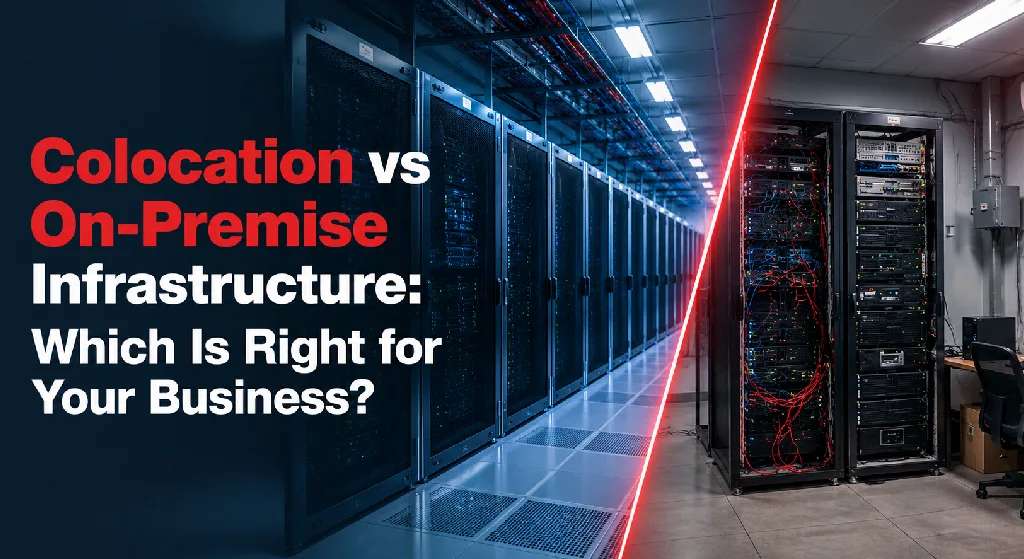
For a detailed comparison of infrastructure models, businesses can review colocation vs on-premise infrastructure.
Is Colocation Right for Your Business?
Colocation can be an excellent solution for organizations that have outgrown office-based infrastructure but still want control over their hardware.
You may benefit from colocation if:
- Your server room is reaching capacity.
- Downtime has become a business risk.
- Power and cooling limitations are creating challenges.
- Security requirements are increasing.
- Compliance standards demand better infrastructure.
- You need more reliable connectivity.
- You want to improve disaster recovery readiness.
Colocation is particularly popular among:
- Healthcare organizations
- Financial institutions
- Manufacturers
- Technology companies
- Multi-location enterprises
Small and mid-sized businesses can also benefit from this approach. Learn more about whether colocation is right for small and mid-sized businesses.
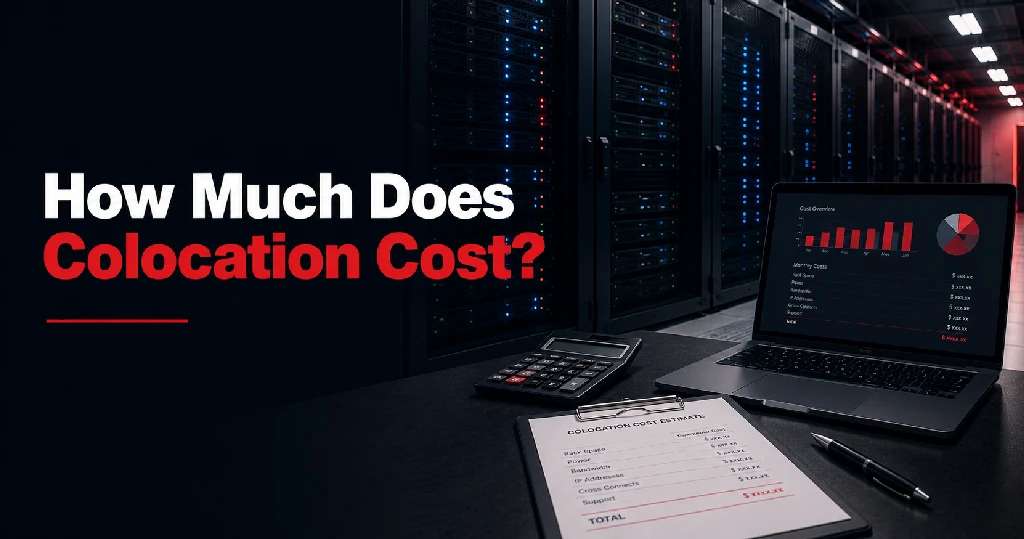
Understanding pricing is also important before making a decision. Organizations can explore how much colocation costs to evaluate their investment.
By combining ownership of your infrastructure with the reliability of a professional data center, colocation offers a balanced approach that delivers control, performance, and scalability.
Final Thoughts
Colocation provides businesses with a secure, reliable, and scalable environment for critical IT infrastructure without the cost and complexity of maintaining a private data center.
Organizations gain access to enterprise-grade power, cooling, connectivity, and security while retaining full ownership and control of their equipment.
For businesses seeking higher uptime, stronger security, and room for growth, colocation can be a strategic investment that supports both current operations and future expansion.
If you’re evaluating infrastructure options, understanding how colocation works is the first step toward determining whether it’s the right fit for your long-term IT strategy.
Businesses interested in exploring colocation solutions can contact Sierra Data Centers to discuss their infrastructure requirements.