For many small and mid-sized businesses (SMBs), IT infrastructure starts in a server closet, back office, or small on-premises server room. This approach often works well in the early stages of growth. However, as technology becomes more critical to daily operations, businesses frequently discover that maintaining infrastructure in-house creates new challenges.
This is one reason more organizations are exploring colocation for small business environments. Colocation allows SMBs to place their servers and networking equipment inside a professional data center while retaining ownership and control of their hardware.
But is colocation the right choice for your business?
Let’s examine the challenges SMBs face and how colocation can help support growth, reliability, and long-term IT strategy.
Common IT Challenges SMBs Face
Small and mid-sized businesses often face many of the same technology challenges as large enterprises, but with fewer resources and smaller IT teams.
Common issues include:
Limited IT Staff
Many SMBs operate with:
- A small internal IT team
- A single IT manager
- Outsourced technology support
Managing servers, networking, security, backups, and business applications can quickly become overwhelming.
Growing Infrastructure Requirements
As businesses grow, they often add:
- More users
- More applications
- Larger data storage needs
- Additional locations
Infrastructure that worked five years ago may no longer meet current demands.
Downtime Risks
Unexpected outages can impact:
- Customer service
- Employee productivity
- Revenue generation
- Business reputation
Many small server rooms lack the redundancy necessary to prevent downtime.
Security Concerns
Cybersecurity receives significant attention, but physical security is equally important.
Office-based server environments often lack:
- Controlled access
- Video surveillance
- Environmental monitoring
- Professional security controls
Businesses evaluating infrastructure protection should understand how secure colocation is and how colocation security works before moving critical systems.
Disaster Recovery Gaps
Many businesses discover weaknesses in their recovery plans only after experiencing an outage or disruption.
Without proper infrastructure, recovering from hardware failures, power outages, or natural disasters can be difficult and expensive.
When On-Prem Infrastructure Becomes a Problem
Keeping servers in-house is not necessarily the wrong approach. However, there comes a point when maintaining infrastructure internally becomes less practical.
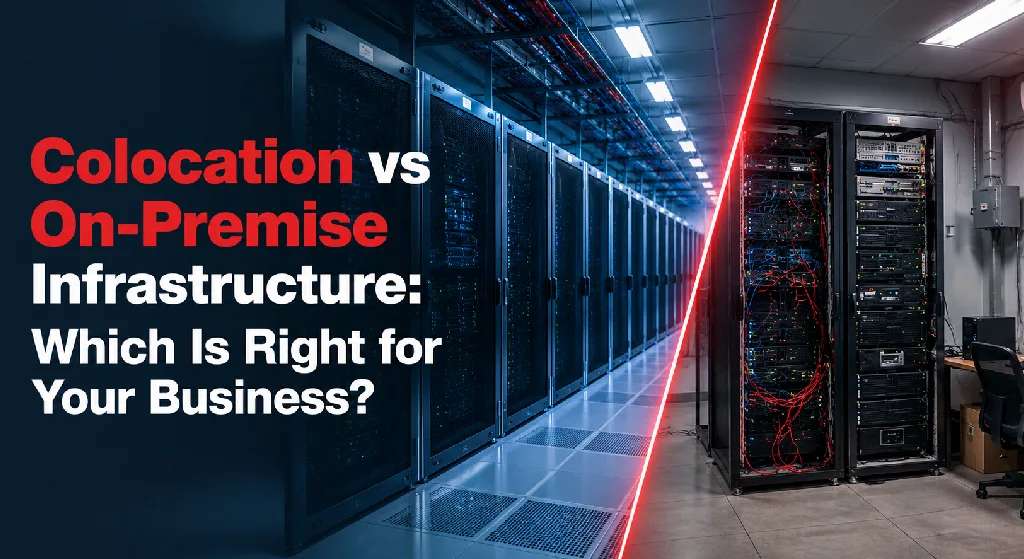
Businesses comparing their existing environment with external data center solutions can review colocation vs on-premise infrastructure to better understand the differences in cost, management, and scalability.
Power Limitations
Business offices are rarely designed to support growing IT environments.
Signs of power-related challenges include:
- Frequent circuit overloads
- Lack of backup power
- Inadequate electrical capacity
Cooling Issues
Servers generate substantial heat.
As equipment density increases, businesses often struggle to maintain appropriate temperatures without investing in specialized cooling systems.
Space Constraints
Server closets tend to fill up quickly.
Organizations may find themselves running out of:
- Rack space
- Cable management capacity
- Expansion room
Reliability Concerns
Most office environments lack:
- Redundant power feeds
- Backup generators
- Enterprise-grade cooling
- Multiple internet providers
As downtime costs increase, infrastructure reliability becomes a greater concern.
Compliance Requirements
Organizations in industries such as healthcare, finance, and manufacturing may face increasing compliance obligations that are difficult to support within traditional office environments.
Benefits of Colocation for SMBs
Colocation provides access to enterprise-grade infrastructure without requiring businesses to build and maintain their own data center.
Improved Reliability
Professional data centers are built for continuous operation.
Features often include:
- Redundant power systems
- Backup generators
- Uninterruptible power supplies (UPS)
- Advanced cooling infrastructure
This significantly reduces the risk of downtime.
Better Physical Security
Data centers typically provide:
- 24/7 facility monitoring
- Video surveillance
- Controlled access systems
- Biometric security measures
- Locked cabinets and cages
These protections often exceed what most SMBs can implement internally.
Enhanced Connectivity
Many colocation facilities offer:
- Carrier-neutral connectivity
- Multiple internet providers
- Low-latency network options
- Redundant network paths
This improves both performance and resiliency.
Scalability
As infrastructure needs grow, businesses can expand without relocating equipment or investing in facility upgrades.
Organizations can add:
- Rack space
- Power capacity
- Bandwidth
- Private environments
As requirements evolve.
Stronger Disaster Recovery Readiness
Colocation facilities are designed to support business continuity through:
- Geographic redundancy
- Infrastructure resilience
- Backup connectivity
- Secure data protection
For many SMBs, colocation becomes a key component of a broader disaster recovery strategy.
Cost Considerations
One common misconception is that colocation is only suitable for large enterprises.
In reality, many small and mid-sized businesses find colocation to be more cost-effective than maintaining a growing server environment internally.
Costs to Consider With On-Prem Infrastructure
Maintaining servers in-house often requires investment in:
- Power upgrades
- Cooling systems
- Backup generators
- Security systems
- Internet redundancy
- Facility maintenance
These costs are frequently overlooked when evaluating infrastructure expenses.
Colocation Cost Structure
Most colocation services are based on:
- Rack space
- Power consumption
- Bandwidth requirements
- Additional support services
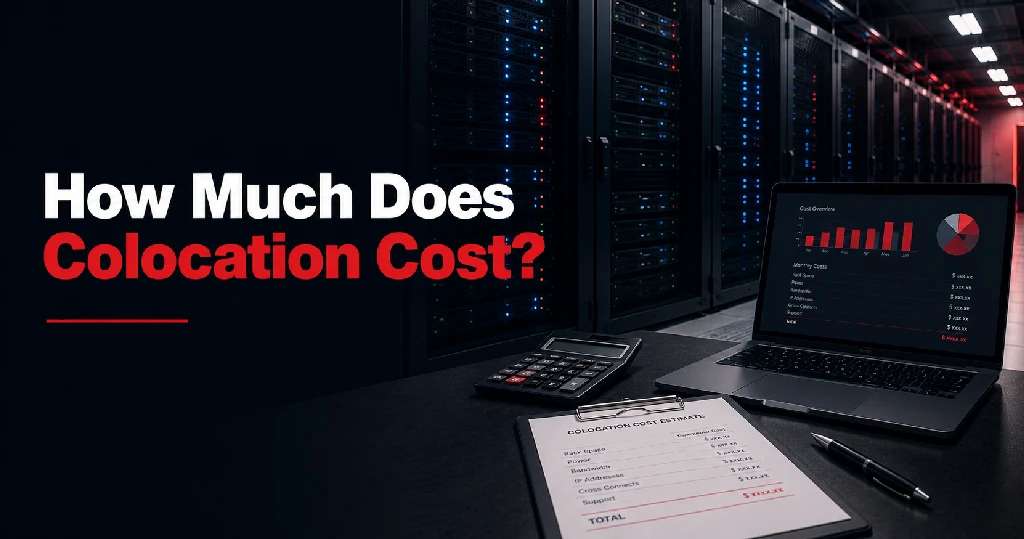
Businesses looking for a detailed pricing breakdown can explore how much colocation costs to understand the factors that influence monthly expenses.
This predictable pricing model can make budgeting easier while eliminating large capital expenditures associated with facility improvements.
Looking Beyond Monthly Costs
The true comparison should consider:
- Downtime reduction
- Infrastructure reliability
- Security improvements
- Future scalability
- Reduced operational risk
In many cases, the business benefits outweigh the difference in monthly expenses.
Common SMB Colocation Use Cases
Colocation supports a wide range of business needs.
Application Hosting
Organizations host:
- ERP systems
- Line-of-business applications
- Customer portals
- Internal platforms
Within secure, highly available environments.
Private Cloud Infrastructure
Many SMBs build private cloud environments using colocated servers while maintaining full control over hardware and software.
Organizations comparing private infrastructure with cloud services can review colocation vs cloud hosting to determine which model fits their operational needs.
Hybrid IT Environments
Businesses often combine:
- Public cloud services
- On-prem resources
- Colocation infrastructure
To create flexible, cost-effective IT environments.
Disaster Recovery Sites
Some organizations deploy backup systems in a colocation facility to ensure continuity during outages or emergencies.
Multi-Location Connectivity
Businesses with multiple offices can centralize infrastructure within a colocation facility while maintaining secure access across locations.
Signs You’re Ready for Colocation
How do you know when it’s time to move beyond your server room?
Here are some common indicators.
You’re Running Out of Space
Adding new servers has become difficult due to limited physical capacity.
Downtime Is Becoming More Expensive
Business operations are increasingly dependent on technology, making outages more costly.
Power and Cooling Are Becoming Challenges
Your current environment was never designed to support enterprise-grade infrastructure.
Security Requirements Are Increasing
Customers, regulators, or industry standards require stronger security controls.
You’re Planning for Growth
Future expansion will require additional infrastructure capacity.
Disaster Recovery Is a Priority
Your business needs better resilience and recovery capabilities.
You Want Greater Reliability Without Building a Data Center
You need enterprise-grade infrastructure but don’t want the cost and complexity of maintaining a private facility.
Organizations evaluating providers should consider what to look for in a colocation provider to ensure their chosen facility supports long-term business goals.
Final Thoughts
Colocation is no longer a solution reserved for large enterprises. Many small and mid-sized businesses use colocation to improve reliability, strengthen security, enhance connectivity, and support future growth.
By relocating infrastructure from a server closet or office environment into a professional data center, SMBs gain access to enterprise-grade facilities while maintaining ownership and control of their equipment.
Businesses interested in exploring professional data center solutions can review Sierra Data Centers and their colocation services for more information.
If your business is experiencing infrastructure limitations, increasing downtime risks, or growing compliance requirements, colocation may be the next logical step in your IT strategy.
For many SMBs, it provides the ideal balance between control, performance, scalability, and cost-effectiveness.
Businesses ready to discuss their infrastructure requirements can contact Sierra Data Centers for guidance.