Uptime is one of the most important reasons businesses move infrastructure into a professional data center. When servers, applications, and network systems are critical to daily operations, even a short outage can affect productivity, customer access, revenue, compliance, and business continuity.
But uptime is not just a marketing number. It depends on how the data center is designed, powered, cooled, connected, monitored, and maintained.
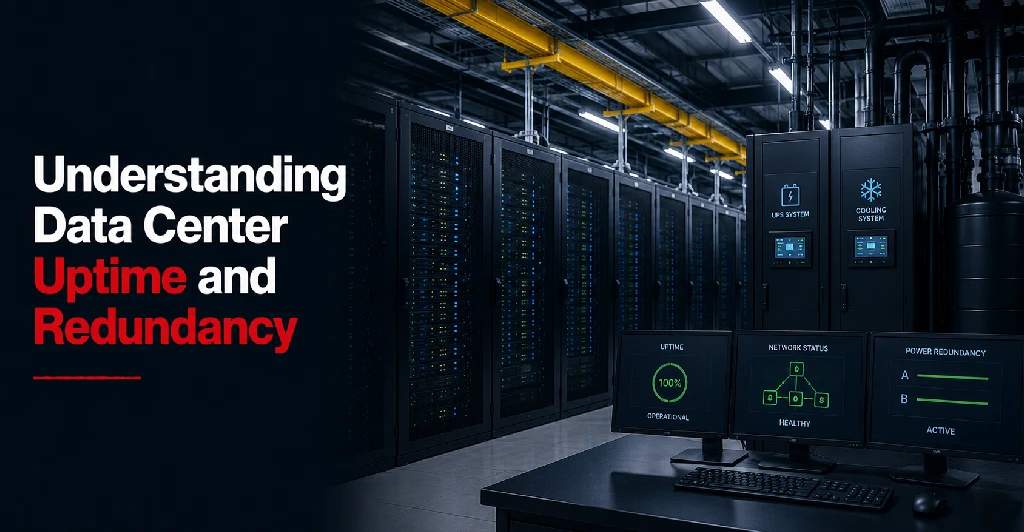
Redundancy is one of the key factors behind uptime. It means the facility has backup systems in place so that if one component fails, another can continue supporting operations.
For businesses comparing colocation, data center hosting, private cages, connectivity, or disaster recovery options, understanding uptime and redundancy helps make better infrastructure decisions.
What Does Data Center Uptime Mean?
Data center uptime refers to the amount of time a data center service, system, or facility remains available and operational.
Depending on the context, uptime may refer to:
- Facility availability
- Power availability
- Cooling availability
- Network availability
- Hosted infrastructure availability
- Application availability
- Connectivity availability
This distinction is important. A provider may talk about uptime, but businesses need to understand what that uptime applies to.
For example, facility uptime may refer to the availability of power, cooling, and physical infrastructure. Network uptime may refer to internet or connectivity availability. Application uptime may depend on the customer’s own servers, software, configuration, and backup strategy.
A data center can provide a reliable environment, but customer-owned hardware and applications still need to be designed properly. To dig deeper into these baseline guarantees, you can read about how a data center SLA explains performance baselines.
Why Uptime Matters for Businesses
Modern businesses depend on digital infrastructure for daily operations.
If infrastructure becomes unavailable, the impact may include:
- Employees unable to access systems
- Customers are unable to use online services
- Delayed orders or transactions
- Interrupted healthcare workflows
- Manufacturing downtime
- Financial reporting delays
- Communication failures
- Lost productivity
- Security monitoring gaps
- Compliance concerns
For some companies, a short outage may be inconvenient. For others, downtime can create serious operational or financial risk.
This is why uptime should be evaluated as part of business continuity planning, not just as a technical metric.
What Is Redundancy in a Data Center?
Redundancy means having backup components, systems, or paths available if a primary system fails.
In a data center, redundancy may apply to:
- Power systems
- Cooling systems
- Network connections
- Internet carriers
- Firewalls
- Switches
- Storage
- Backup systems
- Monitoring systems
- Physical access systems
The goal of redundancy is to reduce the chance that one failure causes a larger outage.
For example, if utility power fails, backup power systems may keep the facility running. If one network carrier has an outage, another carrier may provide an alternate path. If one cooling unit fails, another cooling system may continue supporting the environment.
Redundancy helps protect infrastructure from single points of failure.
Single Point of Failure Explained
A single point of failure is any component that can cause service interruption if it stops working.
Examples may include:
- One power source
- One internet carrier
- One firewall
- One network switch
- One cooling unit
- One server running a critical application
- One backup location
- One physical access method
- One unsupported legacy system
Reducing single points of failure is a major part of improving uptime.
Businesses should evaluate not only the data center facility, but also their own infrastructure design. A highly redundant facility cannot fully protect a business if the customer’s equipment has no redundancy.
Power Redundancy
Power is one of the most important parts of data center uptime.
A professional data center should have systems designed to keep power available even if utility power is interrupted.
Power redundancy may include:
- Multiple utility feeds
- Uninterruptible power supply systems
- Backup generators
- Redundant power distribution
- Multiple power paths
- Dual power feeds to cabinets
- Monitoring of power systems
- Preventive maintenance
For colocation customers, the customer’s own equipment also matters. Servers, firewalls, switches, and storage systems with dual power supplies can take better advantage of redundant power feeds.
If equipment has only one power supply, it may still be vulnerable even inside a redundant facility.
Cooling Redundancy
Servers and network equipment generate heat. Without proper cooling, equipment can overheat, slow down, shut down, or fail.
Cooling redundancy helps maintain the right environment even if part of the cooling system requires maintenance or fails.
Cooling redundancy may include:
- Multiple cooling units
- Redundant cooling capacity
- Environmental monitoring
- Temperature and humidity controls
- Airflow management
- Hot aisle and cold aisle design
- Preventive maintenance
Cooling is often less visible than power or network connectivity, but it is just as important for uptime.
A reliable data center should monitor environmental conditions continuously and respond quickly to changes.
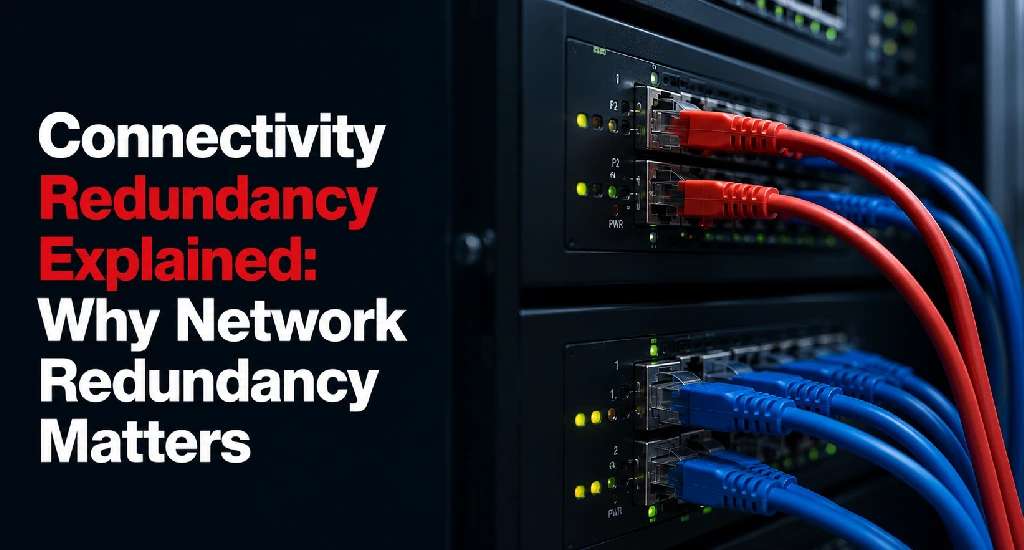
Network Redundancy
Network redundancy helps keep the infrastructure connected even if one connection, carrier, or network path has an issue.
Network redundancy may include:
- Multiple carriers
- Diverse network paths
- Redundant routers
- Redundant switches
- Cross-connect options
- Failover connectivity
- Private network connections
- Cloud connectivity options
For businesses that depend on customer-facing applications, remote workers, branch offices, or cloud platforms, network redundancy is essential.
A carrier-neutral data center can help because it gives businesses access to more than one network provider. This can improve flexibility, reduce dependency on a single carrier, and support better continuity planning with robust connectivity solutions.
Connectivity Redundancy for Multi-Location Businesses
Businesses with multiple offices, remote teams, warehouses, clinics, or manufacturing sites often depend heavily on reliable connectivity.
If one location loses access to the data center environment, operations can be affected.
Connectivity redundancy can help support:
- Branch office connectivity
- VPN access
- Remote workforce access
- Private network connections
- Cloud access
- ERP systems
- Voice and communication tools
- Customer-facing applications
For multi-location organizations, redundancy should be planned across the full network, not just inside the data center facility. Discovering how to choose data center for multi-location businesses can help clarify your distributed network goals.
Hardware Redundancy
Even if the data center facility is reliable, customer-owned hardware can still fail.
Businesses should consider redundancy for:
- Servers
- Firewalls
- Switches
- Storage systems
- Load balancers
- Backup appliances
- Monitoring tools
Depending on the business need, this may include clustering, failover systems, redundant storage, high-availability firewall pairs, spare hardware, or disaster recovery infrastructure.
A data center provider can support the environment, but each business still needs to design its own infrastructure around application importance and risk tolerance. Part of this design includes right-sizing your deployments; evaluating how much rack space your business needs prevents over-provisioning hardware.
Backup and Disaster Recovery Redundancy
Backups and disaster recovery are important parts of redundancy planning.
Uptime focuses on keeping systems available. Backups and disaster recovery focus on restoring systems if something goes wrong.
A business should consider:
- Local backups
- Offsite backups
- Backup testing
- Recovery procedures
- Disaster recovery sites
- Replication
- Recovery time objective
- Recovery point objective
- Failover planning
A strong data center strategy often combines reliable facility infrastructure with comprehensive disaster recovery solutions. This gives the business more than one layer of protection.
Understanding Uptime Percentages
Data center providers may use uptime percentages to describe service availability.
However, businesses should not look only at the number. They should understand what the number covers and how it is measured.
Important questions include:
- Does the uptime commitment apply to power?
- Does it apply to network connectivity?
- Does it apply to hosted infrastructure?
- Does it apply to customer-owned equipment?
- Are scheduled maintenance windows excluded?
- How is downtime measured?
- What happens if uptime commitments are not met?
- Are service credits available?
- What are the exclusions?
A high uptime percentage is valuable only when the scope, exclusions, and responsibilities are clear.
Uptime vs Availability
Uptime and availability are closely related, but they are not always the same in practice.
Uptime usually describes how long a system or service remains operational.
Availability focuses on whether users can actually access and use the service when needed.
For example, a server may be powered on, but if users cannot connect to the application because of a network, firewall, or software issue, the service may not be truly available.
Businesses should evaluate uptime from the user and business perspective, not only from the facility perspective.
Redundancy vs Resilience
Redundancy and resilience are also related, but they are not identical.
Redundancy means having backup components or alternate paths.
Resilience means the overall system can continue operating, recover quickly, or reduce impact when problems occur.
A business can have redundant parts but still lack resilience if systems are poorly configured, backups are not tested, or failover procedures are unclear.
True infrastructure resilience requires:
- Redundant facility systems
- Reliable network design
- Proper application architecture
- Backup and recovery planning
- Monitoring
- Documentation
- Testing
- Clear support processes
Redundancy supports resilience, but it does not replace planning.
How Maintenance Affects Uptime
Data centers require maintenance to keep systems reliable.
Maintenance may involve power systems, generators, cooling systems, network devices, security systems, or facility infrastructure.
A strong provider should have clear maintenance procedures and communication processes.
Businesses should ask:
- How often does maintenance occur
- How much notice is provided
- Whether maintenance affects customer services
- Whether maintenance is included or excluded from SLA uptime calculations
- How emergency maintenance is handled
- Whether redundant systems allow maintenance without disruption
Maintenance should improve reliability, but it should also be transparent and well-managed.
Monitoring and Uptime
Monitoring is essential for maintaining uptime.
A data center should monitor critical infrastructure such as power, cooling, environmental conditions, access systems, and network services.
Businesses should also monitor their own equipment, applications, storage, backups, and security systems.
Monitoring helps detect:
- Power issues
- Temperature changes
- Network latency
- Bandwidth usage
- Server failures
- Storage problems
- Backup failures
- Security alerts
- Application errors
Early detection allows teams to respond before small issues become major outages.
What Businesses Should Ask About Uptime
Before choosing a data center provider, businesses should ask:
- What uptime commitments are included?
- What does the uptime commitment apply to?
- How is downtime calculated?
- What redundancy is built into power systems?
- What redundancy is built into cooling systems?
- What network redundancy options are available?
- Is the facility carrier-neutral?
- What maintenance procedures are followed?
- How are customers notified of issues?
- Are remote hands available during incidents?
- What service credits apply if commitments are missed?
- What responsibilities remain with the customer?
- How does the provider support disaster recovery planning?
These questions help businesses compare providers beyond surface-level claims, especially when figuring out what to look in a secure data center facility.
Data Center Uptime and Redundancy Checklist
When evaluating a data center, review:
- Power redundancy
- Backup power systems
- Cooling redundancy
- Environmental monitoring
- Network redundancy
- Carrier options
- Cross-connect availability
- Facility monitoring
- Physical security
- Maintenance procedures
- SLA uptime commitments
- Incident communication
- Remote hands support
- Disaster recovery options
- Customer equipment redundancy
- Backup and recovery strategy
- Post-incident support
To audit your security and operational preparedness, it’s highly recommended to utilize a comprehensive data center compliance checklist. This checklist helps businesses understand whether the data center environment supports the level of reliability they need.
Why Uptime Planning Should Match Business Risk
Not every business requires the same infrastructure design.
A small internal system may not need the same redundancy as a healthcare platform, financial system, e-commerce application, manufacturing network, or enterprise infrastructure environment.
Businesses should evaluate uptime needs based on:
- Cost of downtime
- Customer impact
- Employee productivity impact
- Compliance requirements
- Recovery expectations
- Application importance
- Revenue dependency
- Security requirements
- Business continuity goals
The more important the system, the more carefully uptime and redundancy should be planned. For highly regulated sectors, utilizing specialized industry-specific infrastructure solutions is vital.
Improve Infrastructure Reliability With the Right Data Center Partner
Data center uptime depends on more than a single promise. It depends on facility design, power systems, cooling, network options, monitoring, support processes, and the customer’s own infrastructure architecture.
Businesses should choose a data center provider that helps them understand risk, plan redundancy, and support long-term infrastructure reliability. Working within a specialized regional footprint is often key, which is why regional data centers matter for maintaining low latency and proximity.
Plan Reliable Infrastructure With Sierra Data Centers
Sierra Data Centers supports businesses with secure colocation, data center hosting, private infrastructure options, carrier-neutral connectivity, remote hands support, and disaster recovery planning.
Whether your organization is moving from an on-premise server room, expanding into a private cage, improving network redundancy, or planning for business continuity, Sierra Data Centers can help you evaluate your uptime requirements and design a more reliable infrastructure environment.
If uptime matters to your business, we can help you plan the next step with greater confidence. Contact us today to learn more.