Disasters rarely arrive with a warning.
Whether it’s a cyberattack, hardware failure, power outage, natural disaster, or human error, unexpected disruptions can bring business operations to a halt. The question isn’t whether an incident will occur—it’s whether your organization is prepared to recover quickly when it does.
A well-designed disaster recovery plan helps businesses minimize downtime, protect critical data, and maintain operations during unexpected events.
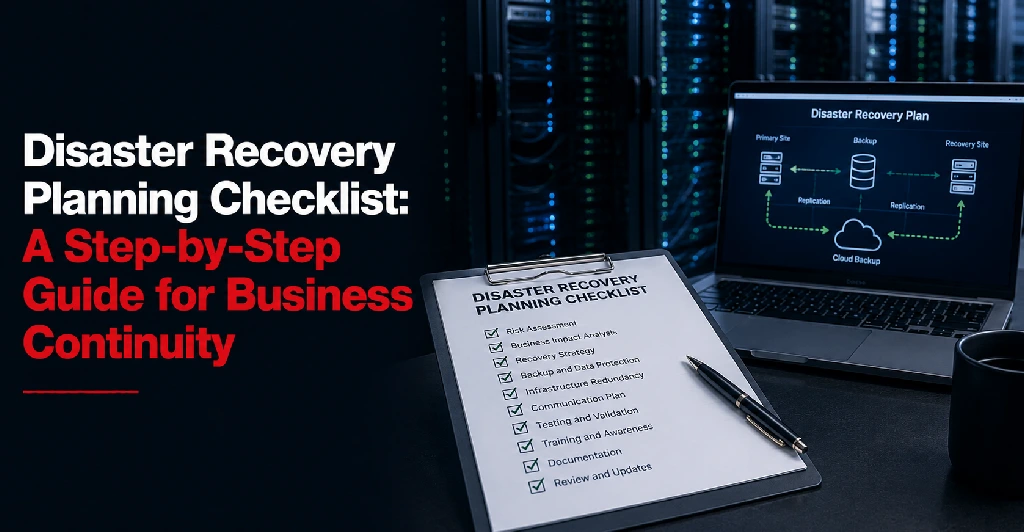
This disaster recovery checklist provides a practical framework for building, evaluating, and improving your recovery strategy.
Why Every Business Needs a Disaster Recovery Plan
Modern businesses rely on technology for nearly every aspect of operations.
Critical systems often include:
- Customer databases
- Financial applications
- Email platforms
- Cloud services
- ERP systems
- Communication tools
- Production systems
When these systems become unavailable, the consequences can include:
- Revenue loss
- Operational disruption
- Customer dissatisfaction
- Compliance violations
- Reputational damage
A disaster recovery plan helps reduce these risks by establishing clear recovery procedures before a disruption occurs.
Step 1: Conduct a Risk Assessment
The first step in disaster recovery planning is identifying potential threats.
Every organization faces different risks depending on its industry, location, infrastructure, and operations.
Common Risks to Evaluate
Natural Disasters
- Severe storms
- Flooding
- Tornadoes
- Earthquakes
- Extreme weather events
Infrastructure Failures
- Power outages
- Hardware failures
- Cooling system failures
- Network disruptions
Cybersecurity Incidents
- Ransomware attacks
- Data breaches
- Malware infections
- Denial-of-service attacks
Human Error
- Accidental data deletion
- Misconfigurations
- Operational mistakes
Third-Party Disruptions
- Carrier outages
- Cloud provider failures
- Vendor service interruptions
Questions to Ask
- What events could interrupt operations?
- Which risks are most likely?
- Which risks would have the greatest business impact?
The goal is to understand what you’re planning to recover from.
Step 2: Identify Critical Systems and Applications
Not all systems require the same level of protection.
The next step is determining which systems are most important to business operations.
Prioritize Critical Assets
Examples may include:
Business Applications
- ERP platforms
- CRM systems
- Accounting software
Customer-Facing Systems
- Websites
- E-commerce platforms
- Customer portals
Infrastructure Components
- Servers
- Storage systems
- Network services
Communication Tools
- Email systems
- VoIP platforms
- Collaboration tools
Categorize by Business Impact
Ask:
- What happens if this system becomes unavailable?
- How long can we operate without it?
- What dependencies exist?
Critical systems should receive the highest recovery priority.
Step 3: Define Recovery Objectives
Recovery objectives establish expectations for how quickly systems must be restored.
Two metrics are especially important.
Recovery Time Objective (RTO)
RTO defines how quickly a system must be recovered after an outage.
Examples:
- Mission-critical application: 1 hour
- Internal business system: 8 hours
- Archive system: 48 hours
Recovery Point Objective (RPO)
RPO defines how much data loss is acceptable.
Examples:
- Zero data loss
- 15 minutes of data loss
- 1 hour of data loss
The shorter the RTO and RPO, the more sophisticated the recovery solution typically becomes.
Questions to Ask
- How quickly must systems be restored?
- How much data loss is acceptable?
- Which applications require the fastest recovery?
Clearly defined objectives guide infrastructure and recovery planning decisions.
Step 4: Develop a Backup Strategy
Backups are one of the most important components of disaster recovery.
However, not all backup strategies provide the same level of protection.
Understanding the difference between backup and disaster recovery is critical when designing a recovery strategy. Many organizations mistakenly assume backups alone provide business continuity. Learn more in Disaster Recovery vs Backup.
Determine What Must Be Backed Up
Include:
- Databases
- Virtual machines
- File systems
- Application configurations
- Network configurations
Follow the 3-2-1 Backup Rule
Many organizations follow the widely accepted 3-2-1 approach:
- 3 copies of data
- 2 different storage media
- 1 copy stored offsite
This helps reduce the risk of data loss.
Consider Backup Frequency
Backup schedules should align with recovery objectives.
Examples:
- Real-time replication
- Hourly backups
- Daily backups
- Weekly backups
Verify Backup Integrity
A backup is only valuable if it can be restored successfully.
Organizations should regularly validate backup functionality.
Step 5: Establish a Disaster Recovery Site Strategy
Many businesses utilize secondary recovery environments to support continuity.
Recovery environments may include:
Hot Sites
Fully operational environments capable of supporting rapid failover.
Warm Sites
Partially configured environments that require some activation.
Cold Sites
Facilities with infrastructure available but not actively running.
The appropriate strategy depends on business requirements, recovery objectives, and budget.
To better understand the differences between recovery environments, see What a Disaster Recovery Site Is.
Questions to Ask
- Where will systems be recovered?
- How quickly can recovery infrastructure be activated?
- Does the recovery site support future growth?
Step 6: Build a Communication Plan
Communication is often overlooked during disaster recovery planning.
Yet confusion and misinformation can significantly complicate recovery efforts.
Identify Key Stakeholders
Include:
- IT teams
- Executive leadership
- Employees
- Customers
- Vendors
- Business partners
Define Communication Procedures
Determine:
- Who communicates updates?
- Which communication channels will be used?
- How frequently will updates be provided?
A documented communication strategy helps maintain coordination during incidents.
Step 7: Coordinate With Vendors and Service Providers
Recovery often depends on third-party providers.
Organizations should understand how vendors support disaster recovery objectives.
Evaluate Critical Vendors
Examples include:
- Data center providers
- Connectivity providers
- Cloud platforms
- Managed service providers
- Software vendors
Organizations using cloud computing solutions or third-party data center solutions should ensure vendor recovery capabilities align with internal recovery objectives.
Questions to Ask Vendors
- What uptime commitments exist?
- What disaster recovery capabilities are available?
- How are outages handled?
- What support is available during emergencies?
Vendor readiness can directly affect recovery outcomes.
Step 8: Create a Testing Schedule
A disaster recovery plan should never be considered complete without testing.
Testing validates:
- Recovery procedures
- Documentation accuracy
- Team readiness
- Infrastructure functionality
Recommended Testing Activities
– Documentation Reviews
Verify procedures remain accurate and current.
– Tabletop Exercises
Walk through hypothetical scenarios with stakeholders.
– Recovery Simulations
Test actual recovery processes in controlled environments.
– Full Recovery Tests
Validate complete failover and restoration procedures.
For a detailed breakdown of testing frequency and methodologies, see how often should disaster recovery plans be tested?.
Testing Frequency
Most organizations should test at least annually.
Businesses with critical workloads often conduct testing more frequently.
Final Disaster Recovery Checklist
Before considering your plan complete, confirm the following:
Risk Assessment
- Business risks identified
- Potential disruptions documented
- Impact analysis completed
Critical Systems
- Critical applications identified
- Infrastructure dependencies documented
- Recovery priorities established
Recovery Objectives
- RTO defined
- RPO defined
- Recovery requirements documented
Backup Strategy
- Backup policies established
- Offsite backups configured
- Backup validation procedures implemented
Disaster Recovery Site
- Recovery environment selected
- Infrastructure documented
- Connectivity verified
Communication Plan
- Stakeholders identified
- Notification procedures documented
- Escalation paths defined
Vendor Coordination
- Vendor contacts documented
- Service commitments reviewed
- Recovery responsibilities understood
Testing Program
- Testing schedule established
- Recovery procedures validated
- Results documented
- Improvements implemented
Common Disaster Recovery Planning Mistakes
Avoid these frequent mistakes:
- Relying solely on backups
- Failing to define recovery objectives
- Not documenting recovery procedures
- Ignoring connectivity dependencies
- Overlooking vendor responsibilities
- Skipping recovery testing
- Treating disaster recovery as a one-time project
The most effective recovery plans are continuously reviewed and improved. Many of these issues are covered in greater detail in common disaster recovery mistakes.
Final Thoughts
A disaster recovery plan is one of the most valuable investments an organization can make in operational resilience.
By conducting risk assessments, identifying critical systems, defining recovery objectives, implementing backup strategies, coordinating with vendors, and regularly testing recovery procedures, businesses can significantly reduce downtime and improve business continuity.
Organizations seeking dedicated disaster recovery services can further strengthen resilience through professionally managed recovery infrastructure and support.
Use this disaster recovery checklist as a starting point for evaluating your current preparedness and identifying opportunities for improvement.
When disruptions occur—and eventually they will—a well-prepared organization can recover faster, minimize losses, and maintain the confidence of customers, employees, and stakeholders.
For additional guidance on infrastructure planning, colocation services, recovery solutions, or business continuity strategies, contact Sierra Data Centers.